Free · Open source · BYO model

An Assistant That's

An AI agent you own and shape. Use any AI model from any provider to work and build your way.

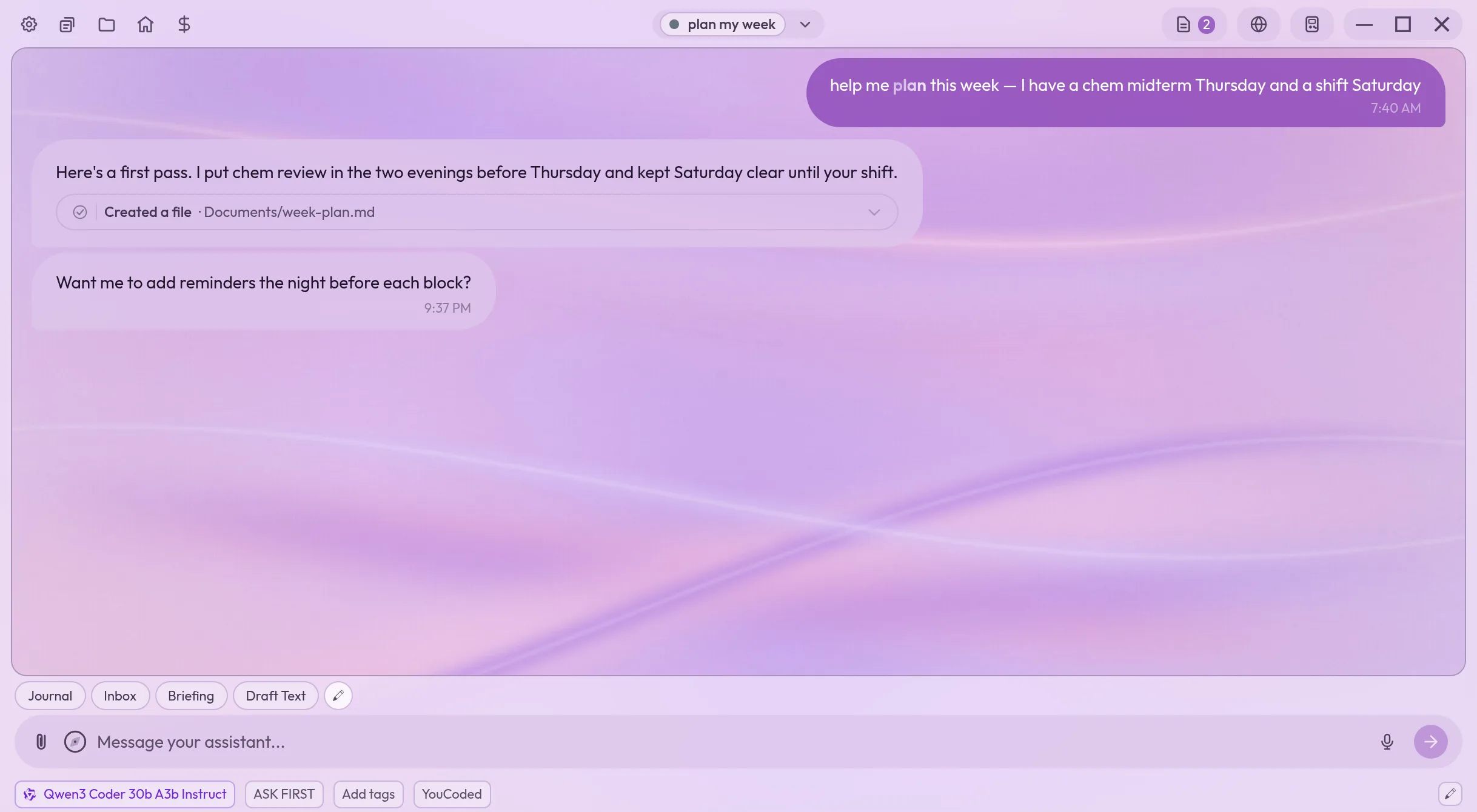
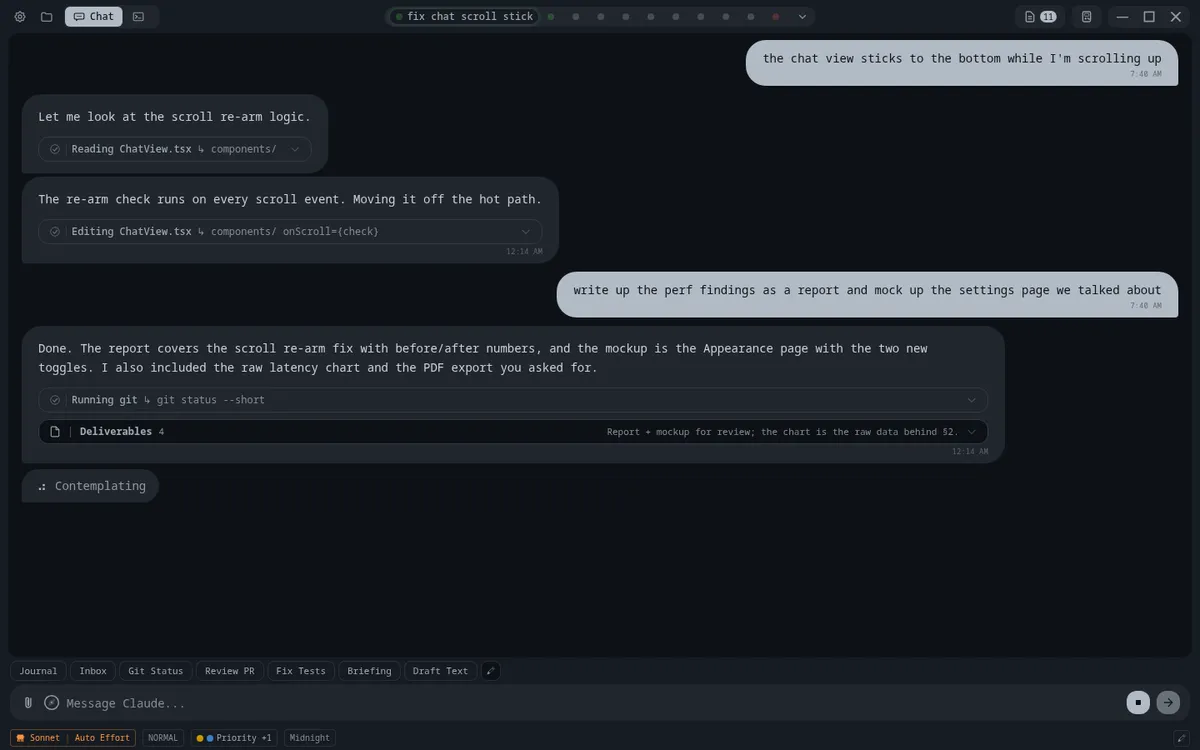
YouCoded Assistant chat window
Download Windows macOS Linux Android iOS*

What is this?

More than a chatbot.

YouCoded is a fully-customizable AI assistant that works with your own files and data to autonomously accomplish tasks. Review and organize large spreadsheets, compile the latest medical or financial research, draft an email or slideshow, or build new features in large coding projects.

With YouCoded, you can utilize OpenRouter to access any AI model from any provider including Anthropic (Claude), OpenAI (ChatGPT), Alibaba (Qwen) and more. YouCoded also allows you to download and run open source AI models on your own device, if your hardware supports it.

YouCoded is built to become a fully-modular and open source assistant platform, as the app itself integrates the ability for all users to build and share skills, tools, themes, and app improvements. Because YouCoded was designed from the ground up to be improved by individuals with no coding or development interest, it can quickly outpace development of competing closed agents in a way that is driven by what users really want.

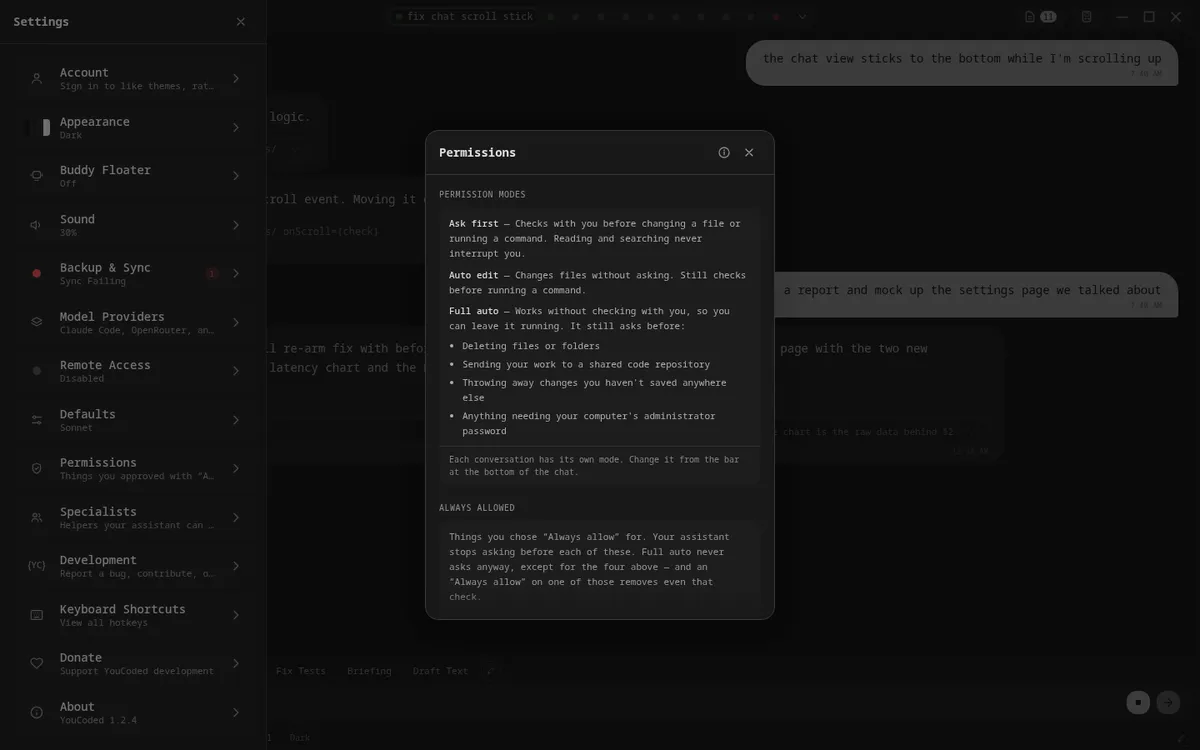
Nothing happens without your permission. YouCoded Assistant asks before it acts.

What you get

Everything the app gives you.

Seamless integration

Tools and conversations work across any model.

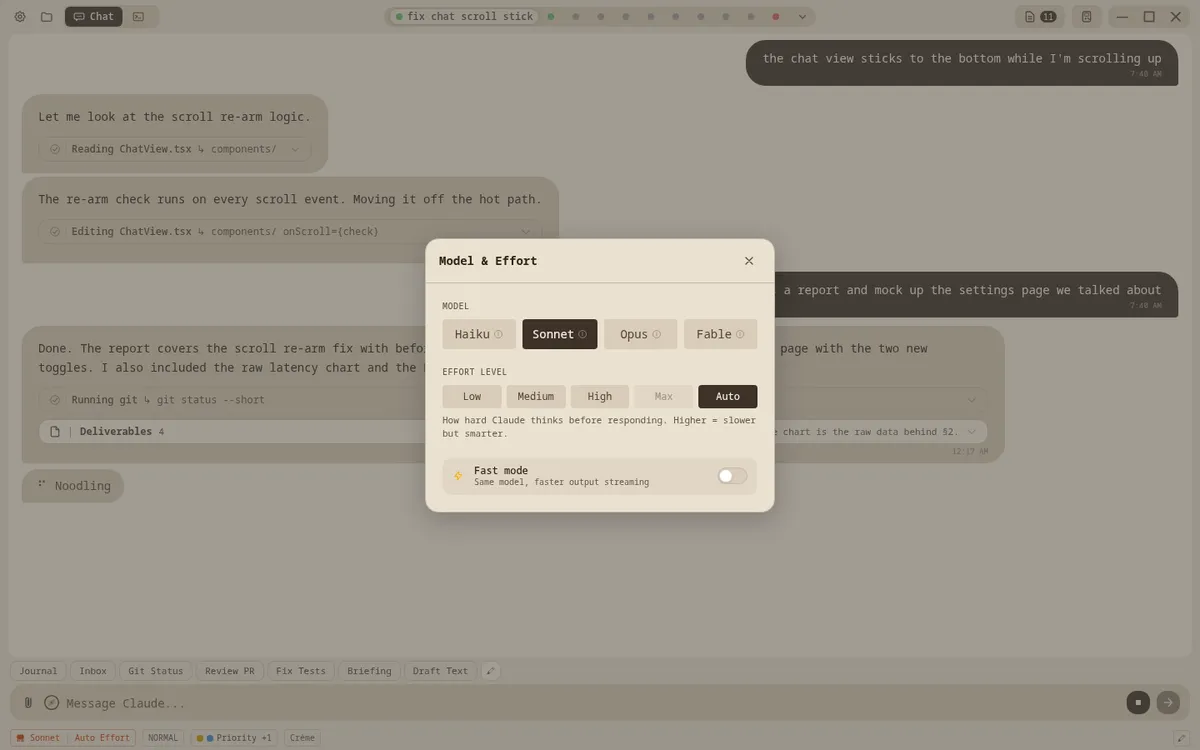
Select from hundreds of models via OpenRouter, use Claude Code with your subscription plan, or pick an offline, private model to run on your own computer. Switch models mid-conversation without interruption.

Real work, edited live

Hand it a spreadsheet, get something you can actually read.

Attach a file and ask for what you want out of it. The assistant reads it, builds the page, and hands it back in the panel beside the conversation — where you can open it, change it yourself, and watch the change take effect.

Genuinely useful

Give it a task and it gets done, with boundaries you can trust.

It reads your files, writes new ones, develops repeatable skills and workflows, searches the web, and helps you manage your computer and your life more efficiently. Permission modes let you restrict the model to match your level of comfort.

Logical management

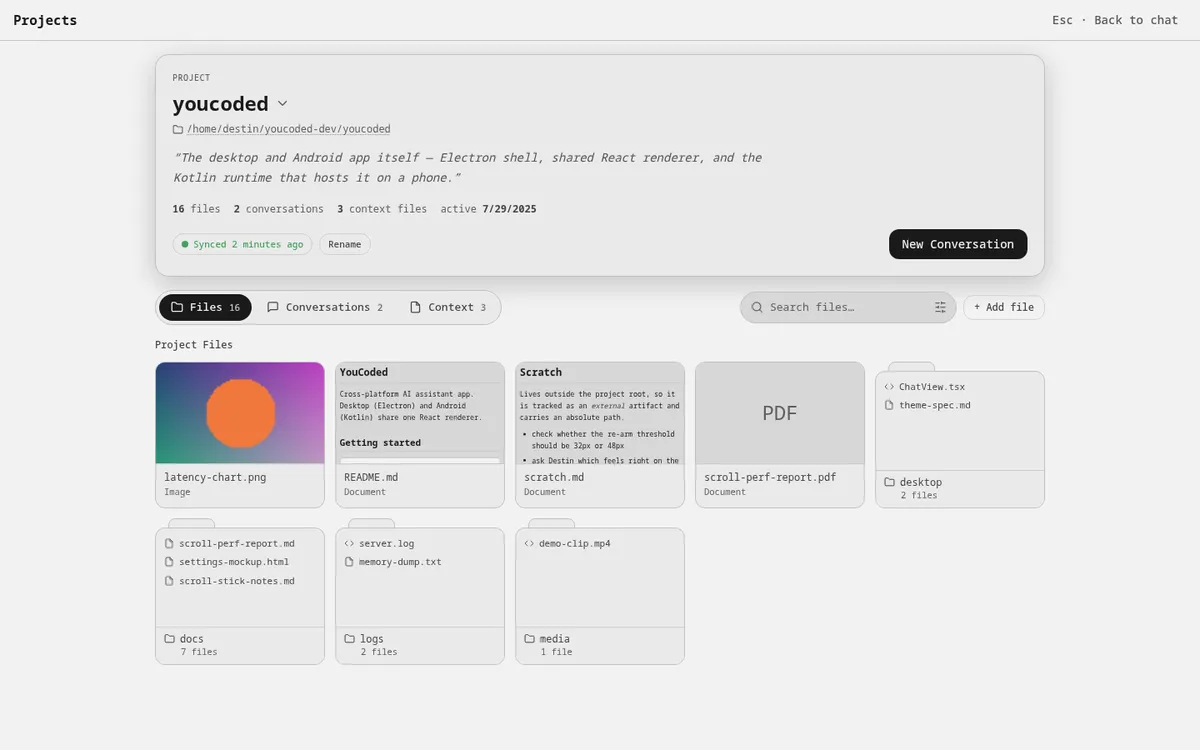
Project view keeps your files, conversations, and assistant instructions organized.

Open spreadsheets, documents, and images, revisit prior conversations, and see how your assistant is instructed to behave in each project.

Stay organized

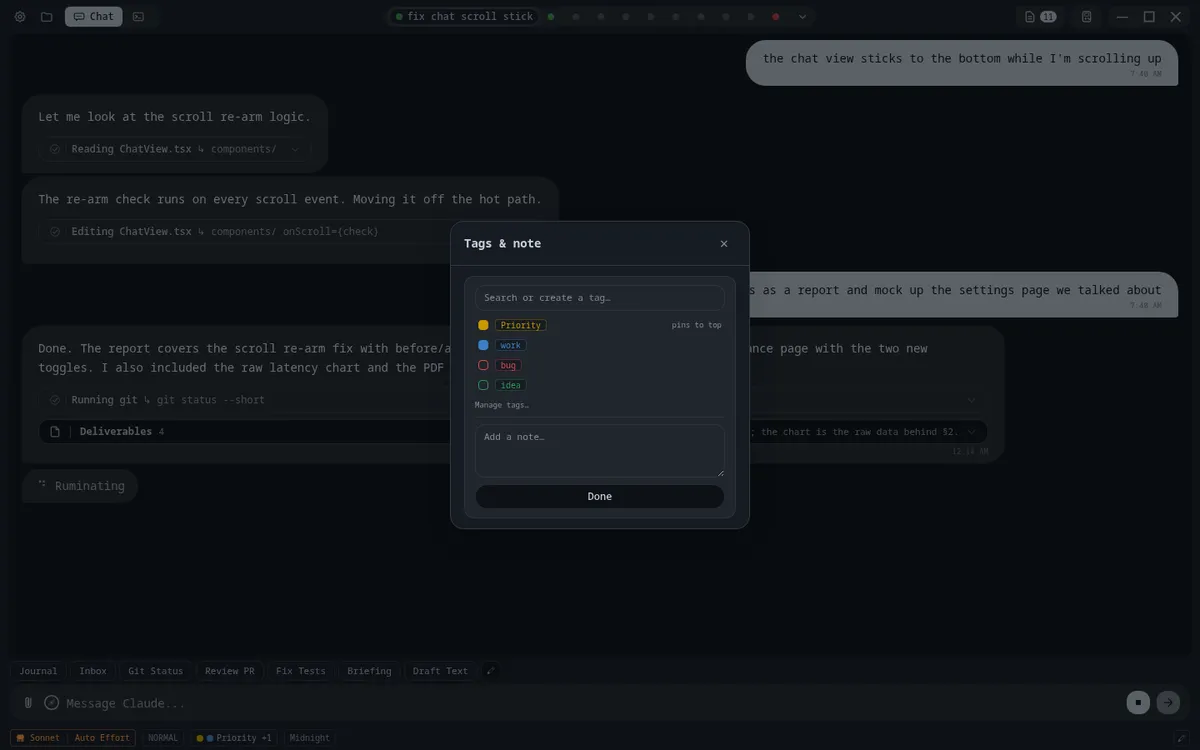
Tags, notes, and shortcuts.

Tag and annotate conversations, pin the ones that matter, and hide the ones you'll never go back to. Quick chips run the prompts you use every day in one tap.

Works everywhere

Start on your laptop. Finish on your phone.

Windows, macOS, Linux, Android, and any browser. Your conversations and files stay in sync through your own private GitHub, so what you started here is waiting there.

Make it yours

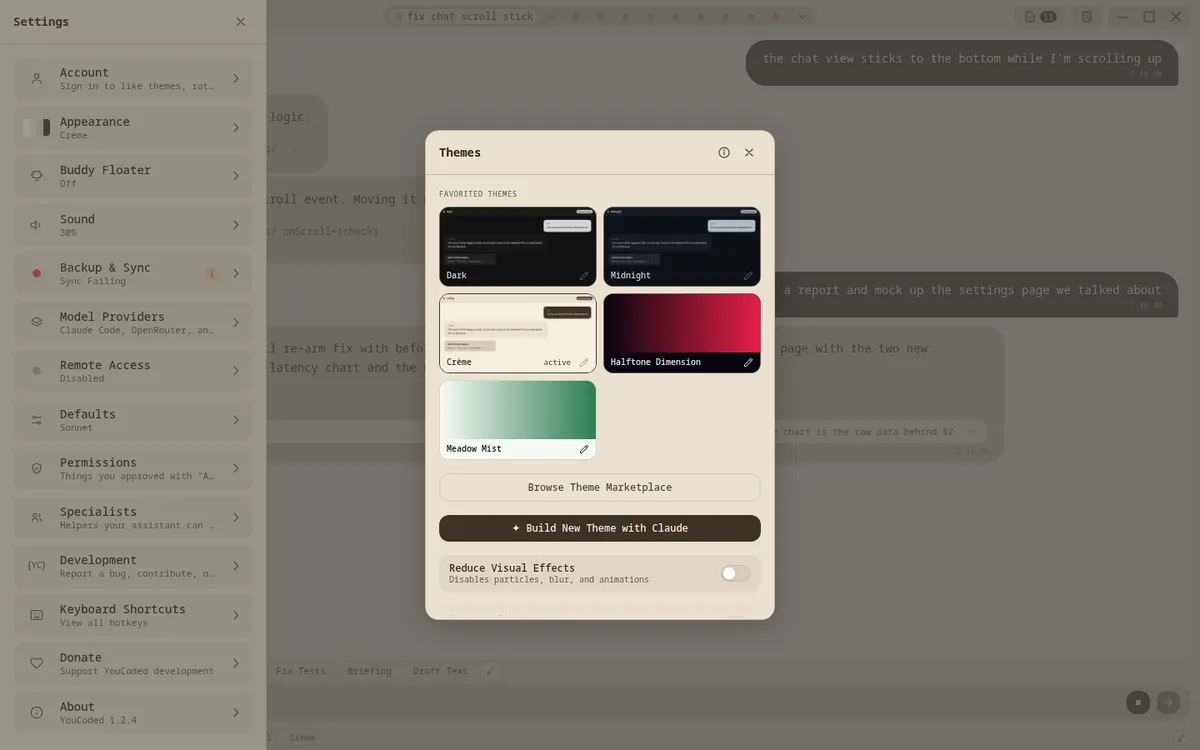
Describe a look. Install a plugin. Share both.

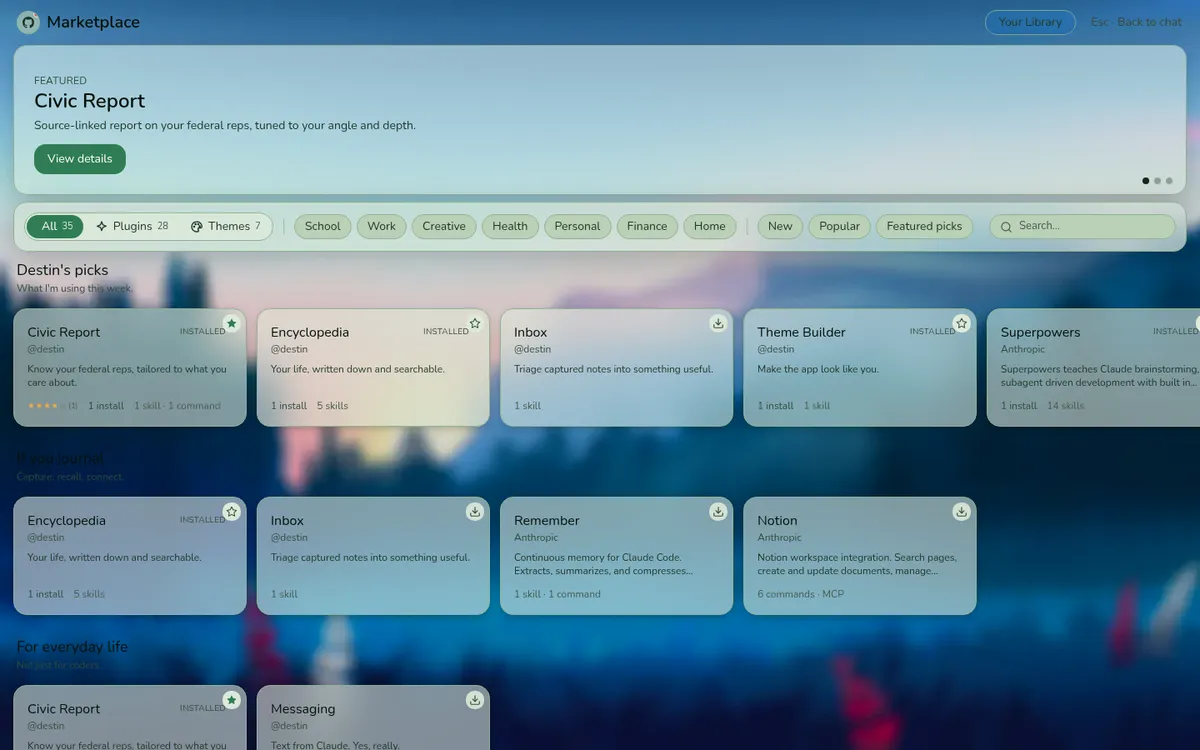
Build a theme by describing it — customize wallpapers, app colors, mascots. Browse 300+ plugins from the marketplace: journaling, a personal encyclopedia, calendar and email integrations, and whatever your friends publish.

Play while it works

Four games, beside the conversation.

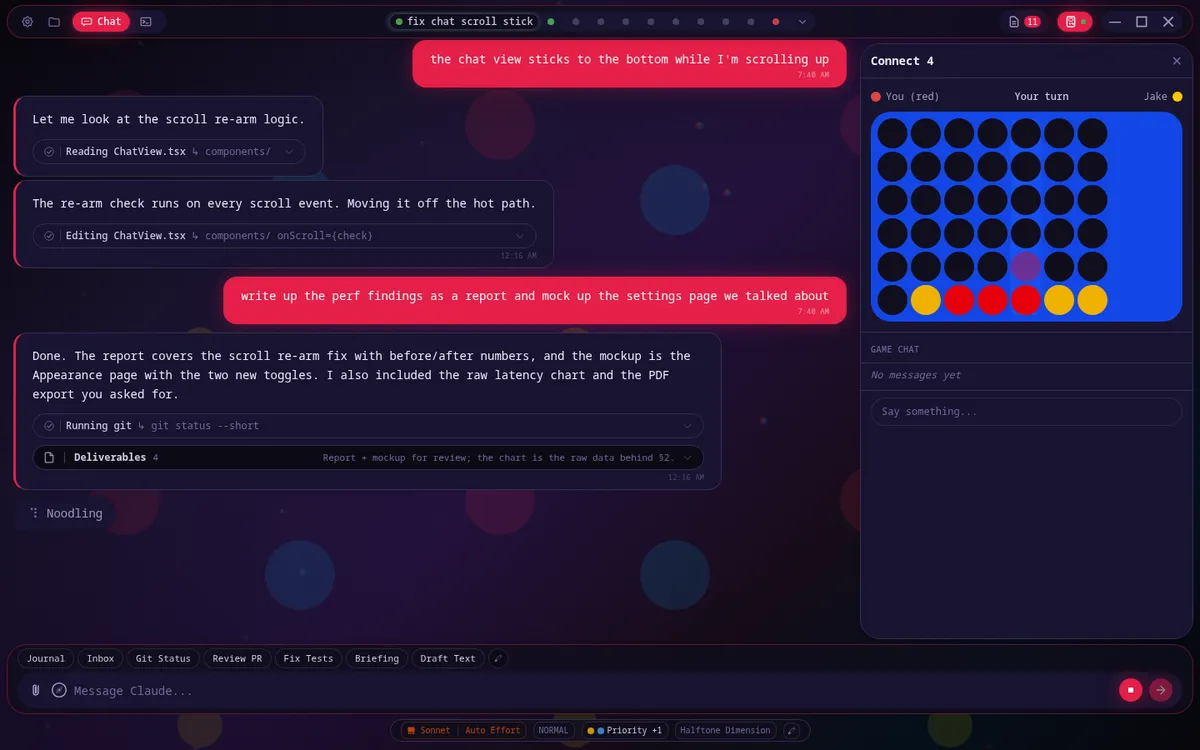
Long tasks take a minute. Open the arcade in the side panel — Connect 4 or chess against a friend who's online, Flappy or 2048 on your own — and go back to the answer when it's ready.

For builders

Made to be customized and work with you.

Run Claude Code as a first-class session next to the app's own agent. Review, stage, and commit changes without leaving the window. Connect tools over MCP. Download and run local models with a GPU-fit check.

Roadmap Coming after 1.3

Hand it off.

Set up a job once — what to do, which tools it may use, where to stop and check with you — then run it on a schedule or send it from your phone. Results and approvals land in an inbox. First: run now and scheduled runs. Later: kick off from an incoming email or a changed file.
Agents
Weekly grocery list
Inbox digest · 7am
Receipts → spreadsheet
Weekly grocery list
1 · Read this week's plan
2 · Draft the list
3 · Check with me before ordering
4 · Send to my phone
Inbox
Needs approval · Weekly grocery list · 2 min ago

Integrations

Connect your services.

With skills from the WeCoded marketplace, YouCoded can link with all of the following services:

More coming soon...

NOTE: Some integrations require account authorization or additional setup. You can link these services at any time from within the app.

Story

How we got here.

Honestly, I really just wanted a cooler and more efficient way to journal and track my own tasks/goals. The very first thing I built with Claude is the Journaling and Life History system (now available in the marketplace), and I pretty quickly decided that I wanted to share it with my friends. However, the thought of installing and opening “Claude Code” in the terminal scared away most people almost immediately. I realized that the idea of advanced agentic AI is still rather new to most people, and that persuading them to adopt my fancy new journaling system would require it to be much more accessible and user-friendly. Towards this end, I kind of just… kept adding things. And now we're here.

Every line of YouCoded was written through conversation with Claude by me, someone who has never written code. Every feature, every platform port, every theme, every multiplayer game. The entire app was built, and is currently maintained, without a single line typed by hand.

YouCoded Assistant is what that kind of AI looks like when it's built for everyone — not just the people who already know how to use it.

Built by Destin →

Get started

You may need a few accounts.

Or skip the paid ones entirely — run a model on your own computer, free and offline.

Free and open source. On iPhone? Use YouCoded Assistant from Safari by connecting to any computer running the app.

Common questions

FAQ

How is this different from ChatGPT or claude.ai?
Those are chat websites. YouCoded Assistant is an app on your computer and phone that works in your own files — it opens, edits, and organizes them, runs tasks, and searches the web — and you choose the AI behind it: Claude, hundreds of cloud models, or one that runs locally for free.
Do I have to pay for anything?
No. The app is free and open source. A model that runs on your own computer costs nothing. If you want Claude, that's a Claude Pro or Max plan from Anthropic; if you want other cloud models, OpenRouter bills per use.
Is my data private?
Your conversations, files, and settings live in your own GitHub (and, if you add them, your Google Drive or iCloud). Cloud models see what you send them while they work; a local model sends nothing anywhere. The app sends one anonymous daily ping — a hash of your device ID, the app version, platform, and rough region — so we can see how many people use it. No IP address, no username, no message content. Turn it off in Settings → About → Privacy.
What platforms does it run on?
Windows, macOS, Linux, and Android, plus any web browser by connecting to a computer running the app. Apple integrations (iMessage, Apple Notes, and so on) work on macOS only.
Do I need to know how to code?
No. The whole app was built by someone who has never written code, by talking to AI. If you can use ChatGPT, you can use this.
Is "agentic" AI safe?
The app asks before it changes anything, and every standing permission you grant is listed on one screen where you can revoke it. AI still makes mistakes, so keep an eye on what it's doing — and be careful with full-auto mode, which lets it act without asking.
Who built this?
So far, it's just me (Destin). However, my intention is for this open-source project to become something we all build together. I believe one of the greatest potential goods of AI comes from its ability to revolutionize the world of open-source software. This project is just one example of what AI can allow us to create: an app owned by nobody, improved by everybody — all without anyone needing to learn how to code or even understand what “open-source” is. No profit motive, no ulterior incentives — just people making cool shit and sharing it with other people :)